
From Social Post to Booked Class
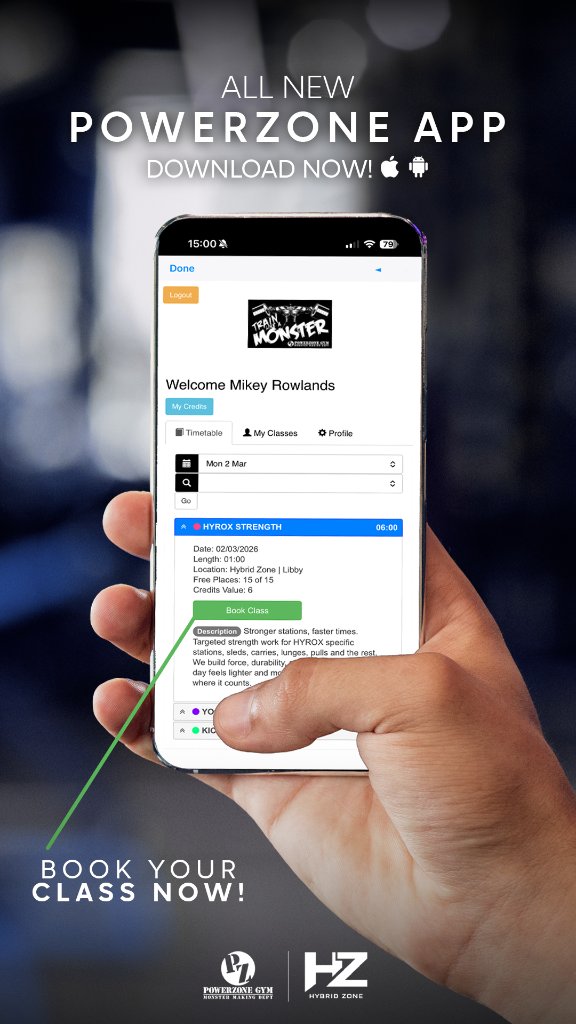
From gym photography and video production to promotional social content and booking app improvements, our work for PowerZone Gym helps people discover the classes, see the atmosphere and understand how to book.

Project Outcome
A clearer member journey from social content into booking, helping people understand the app faster and take action with more confidence.
Scope
Photography, video production, social content & app support
Channels
Social posts, booking app, launch messaging
Focus
Clarity, class promotion, member action
A great class offering, hidden behind an unclear app.
PowerZone wanted members to actually use the booking app — booking classes, buying credits and understanding the flow without needing to ask.
The app existed
PowerZone had a booking app and a strong class offering — but members weren't confident using it.
The journey wasn't obvious
Booking a class and buying credits needed to be explained, not just announced.
New classes needed launching
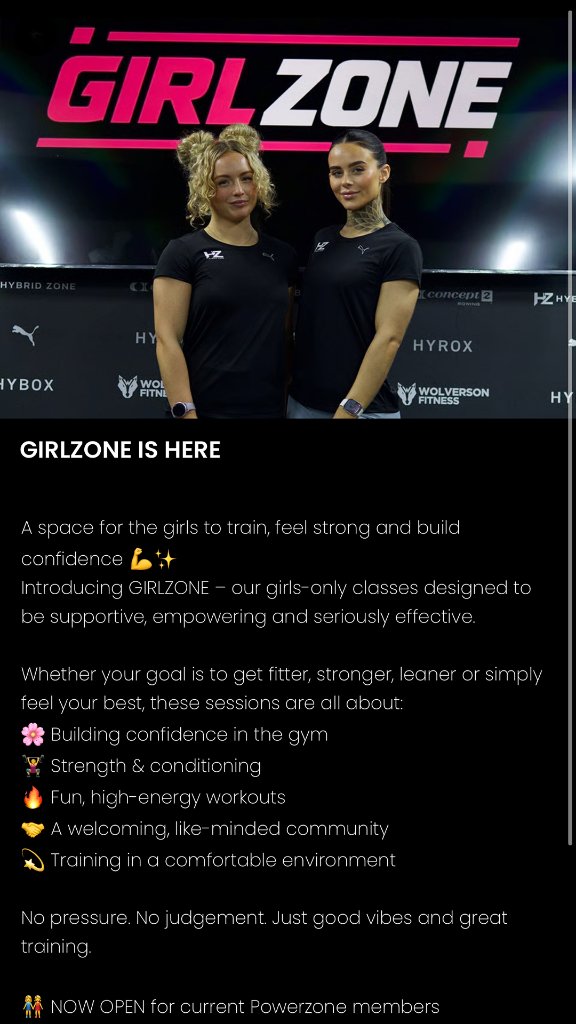
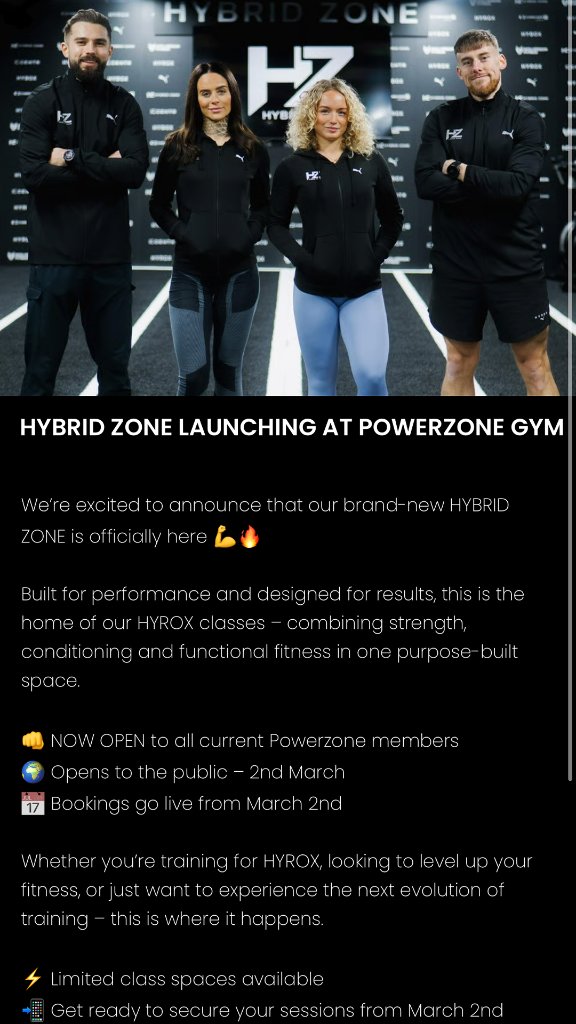
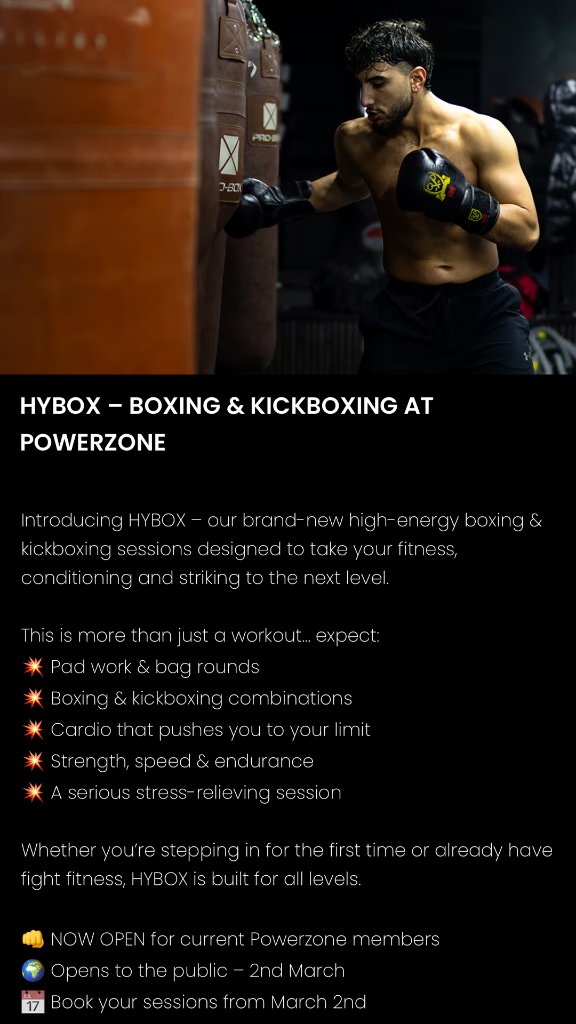
Hybrid Zone, HyBox, Kickbox and GirlZone all had to land with existing members and newcomers.
What we did.
Tailored the booking app experience
Class structure, date selection, credit purchasing and discovery shaped around how everyday gym members actually move.
Built a social content system
Portrait-first posts promoting Hybrid Zone, HyBox, Kickbox and GirlZone — consistent, on-brand and built for action, supported by original photography and video.
Captured photography and video content
Filmed gym activity and created promotional photography and video content that shows the people, training and atmosphere behind the brand.
Turned the flow into content
Step-by-step posts showing exactly how to book a class and buy credits, removing the guesswork before launch.
Connected post to booking
Every piece of content pointed at one in-app action, so promotion translated directly into app usage.
Content built to be acted on.
A mix of gym photography, video and portrait-first creative to promote the training atmosphere, every zone and the app booking journey.
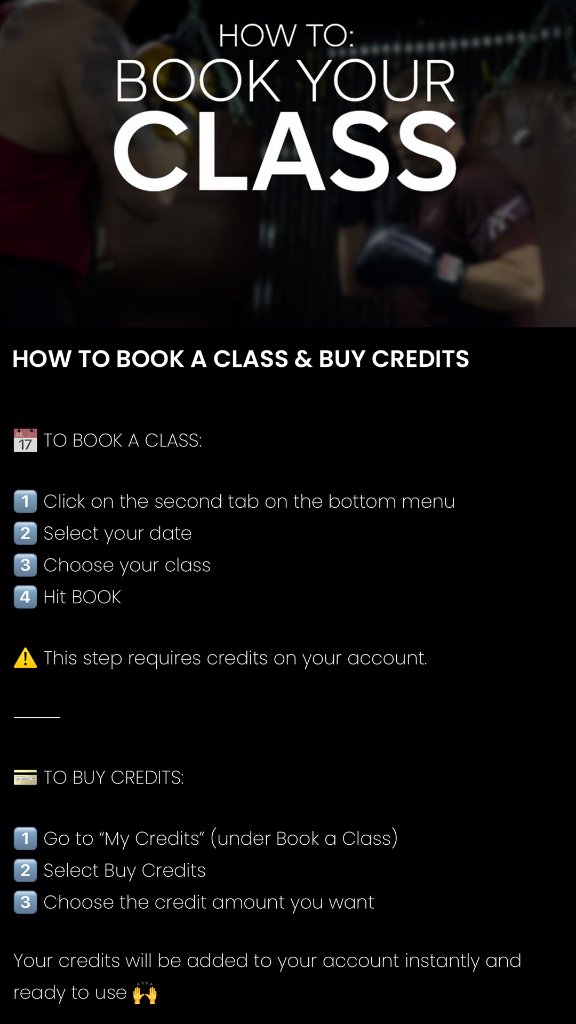
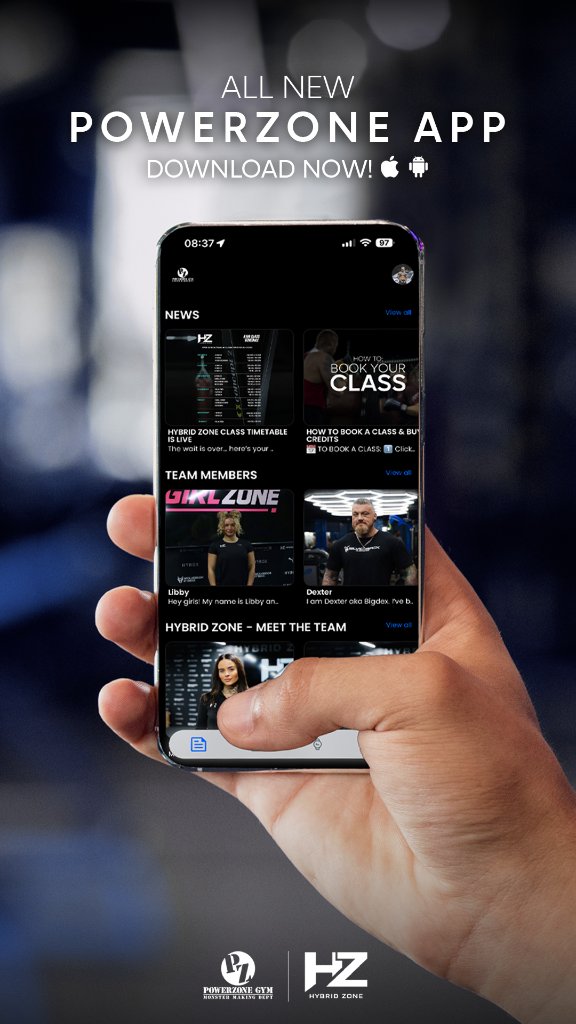
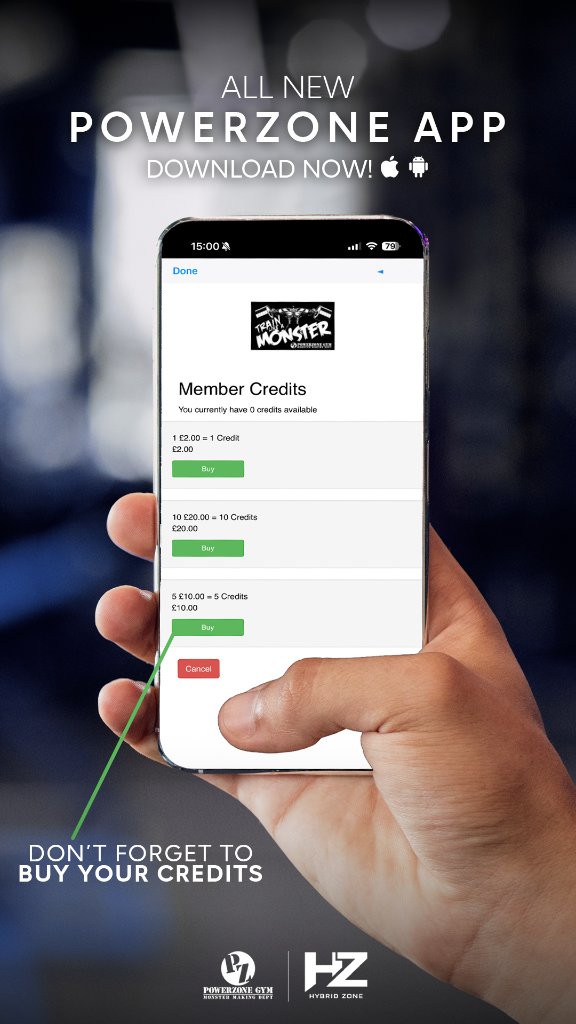
Two flows, spelled out.
No assumptions — members were shown exactly where to tap.
How to book a class
- 01Open the app
- 02Tap the second tab on the bottom menu
- 03Select your date
- 04Choose your class
- 05Tap Book — credits required
How to buy credits
- 01Go to My Credit, under Book a Class
- 02Tap Buy Credits
- 03Select your credit amount
- 04Complete purchase and start booking

They helped us improve the booking app experience for our members and created clear social content that made it much easier for people to understand how to book classes and buy credits.
Confusion turned into bookings.
Improved awareness of the booking app across social
A clearer understanding of how to book classes and buy credits
Better promotion of new classes and zones through photography, video and branded social content
A stronger connection between social content and app usage
A more joined-up journey from post to in-app booking
What we delivered.
Next Step
Make your app effortless to use — and your content built to drive action.
App setup support, clear user journey messaging and social content that converts attention into bookings.